Quick PI
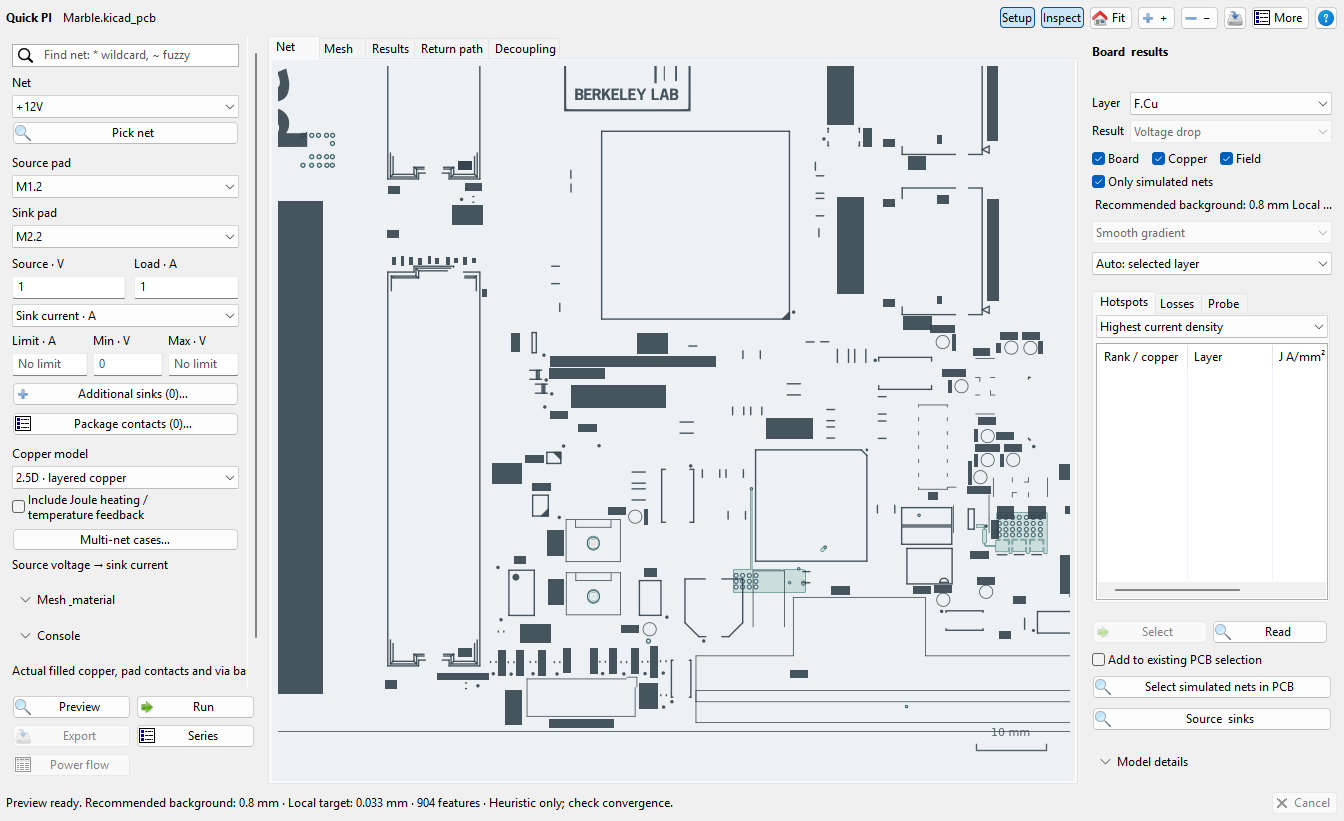
Inspect DC voltage drop, current density, and copper losses using saved copper geometry, source/load terminals, and explicit current assumptions.
Quick PI guide ↗KiCad plugins · Active development
Design, inspect, and check a PCB without losing the context of the board. Independently installable tools bring power, signal, and thermal studies alongside everyday layout and manufacturing work.
Three questions, three tools
Inspect DC voltage drop, current density, and copper losses using saved copper geometry, source/load terminals, and explicit current assumptions.
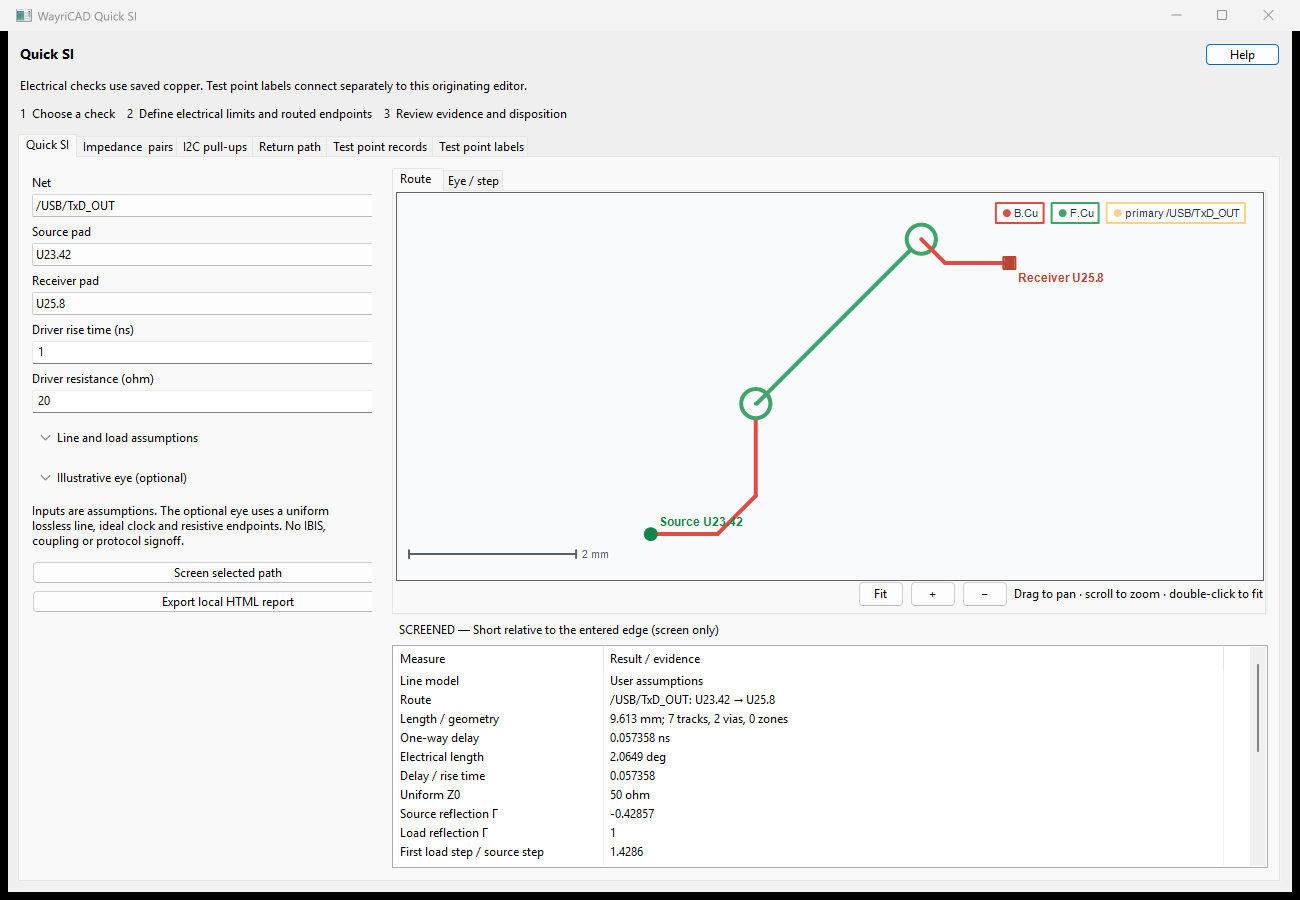
Quick PI guide ↗Screen a routed signal for delay, reflections, termination, and return-path information alongside its stackup and driver/load assumptions.
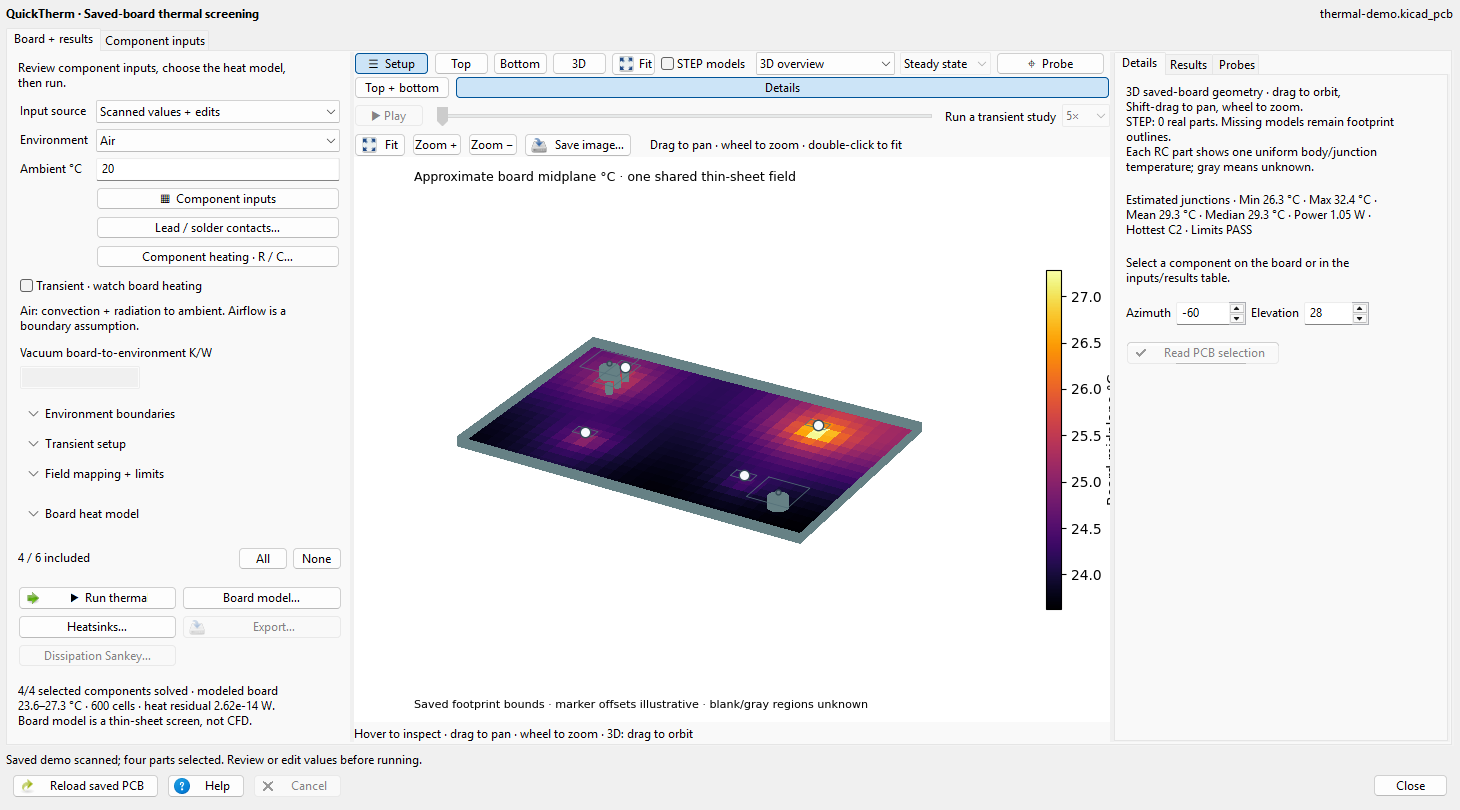
Quick SI guide ↗Explore declared dissipation and thermal paths, from lumped component estimates to supported steady-state and transient board models.
QuickTherm guide ↗These are model-based engineering checks. Review materials, operating inputs, boundaries, omitted geometry, and convergence before relying on a result.
The suite also covers fanout, via stitching, trace refinement, BOMs, assembly variants, silkscreen placement, constraints, and manufacturing review. Install the tools you need and refer to each plugin’s guide for its supported inputs and model scope.